Built for the ADI qualification journey
Everything in one place
Built to support your PDI development journey — every feature in myPDI is designed around the DVSA competency framework.
Trainees
For PDI Trainees
Everything you need to accelerate your development and become a qualified ADI.
Reflective Logs
Record detailed logs after each training session covering all 17 DVSA competencies — building a complete reflective record of your journey.
Progress Tracking
Visual charts and trend analysis so you can see exactly how you're improving over time — and where you need to focus next.
Lesson Planning
Plan and schedule your lessons with your learner drivers, track duration and objectives, and link plans to your reflective logs.
Focus Areas
Automatically identifies your weakest competencies so you know where to concentrate — no more guessing where to put your energy.
Trainer Connection
Connect with your trainer to receive structured observation feedback directly in the app — all in one place, no more email chains.
Works on Any Device
Access myPDI from your phone, tablet or desktop — install it like an app on your home screen for quick access between lessons.
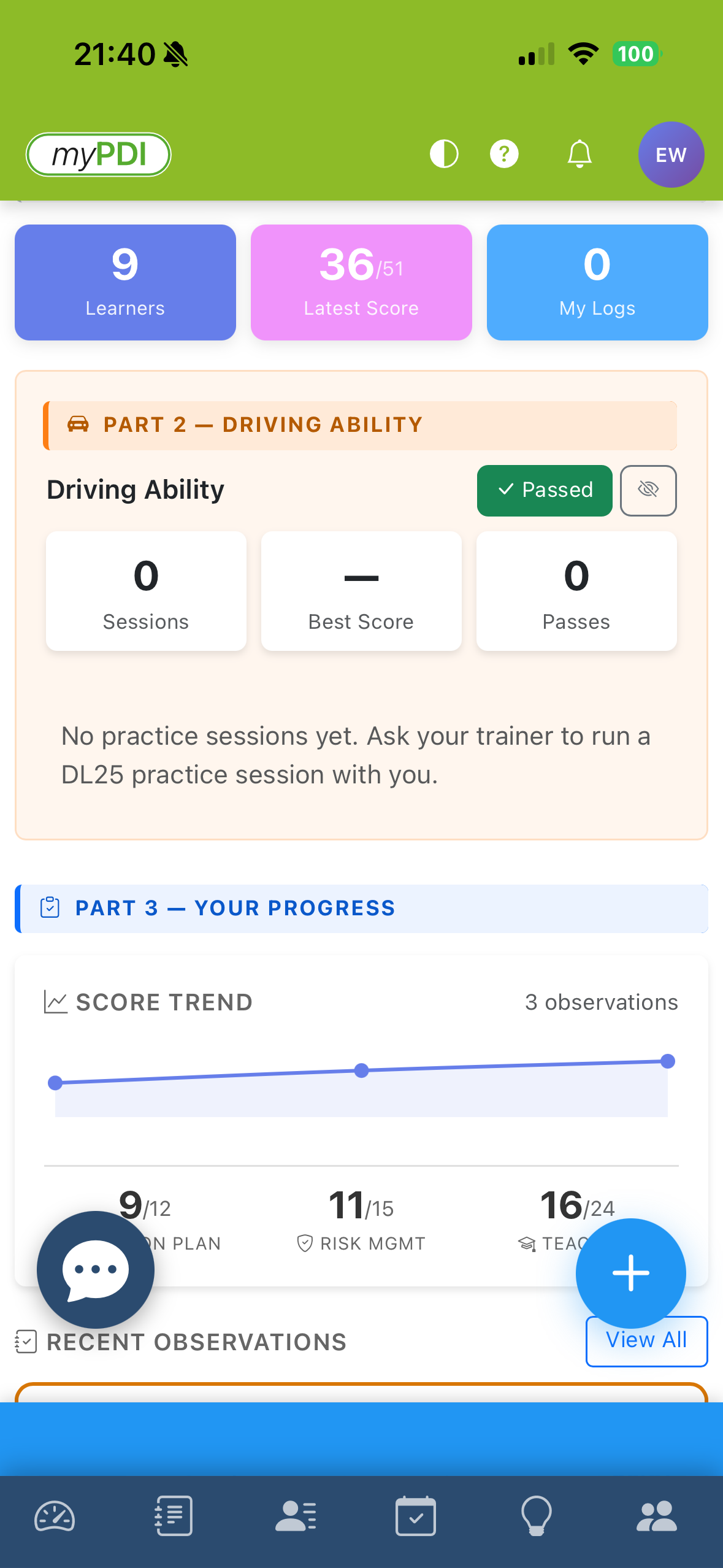
See your scores at a glance
Your PDI dashboard brings together competency scores, trend charts, focus areas, and top strengths — giving you a clear picture of where you are and where to focus next.
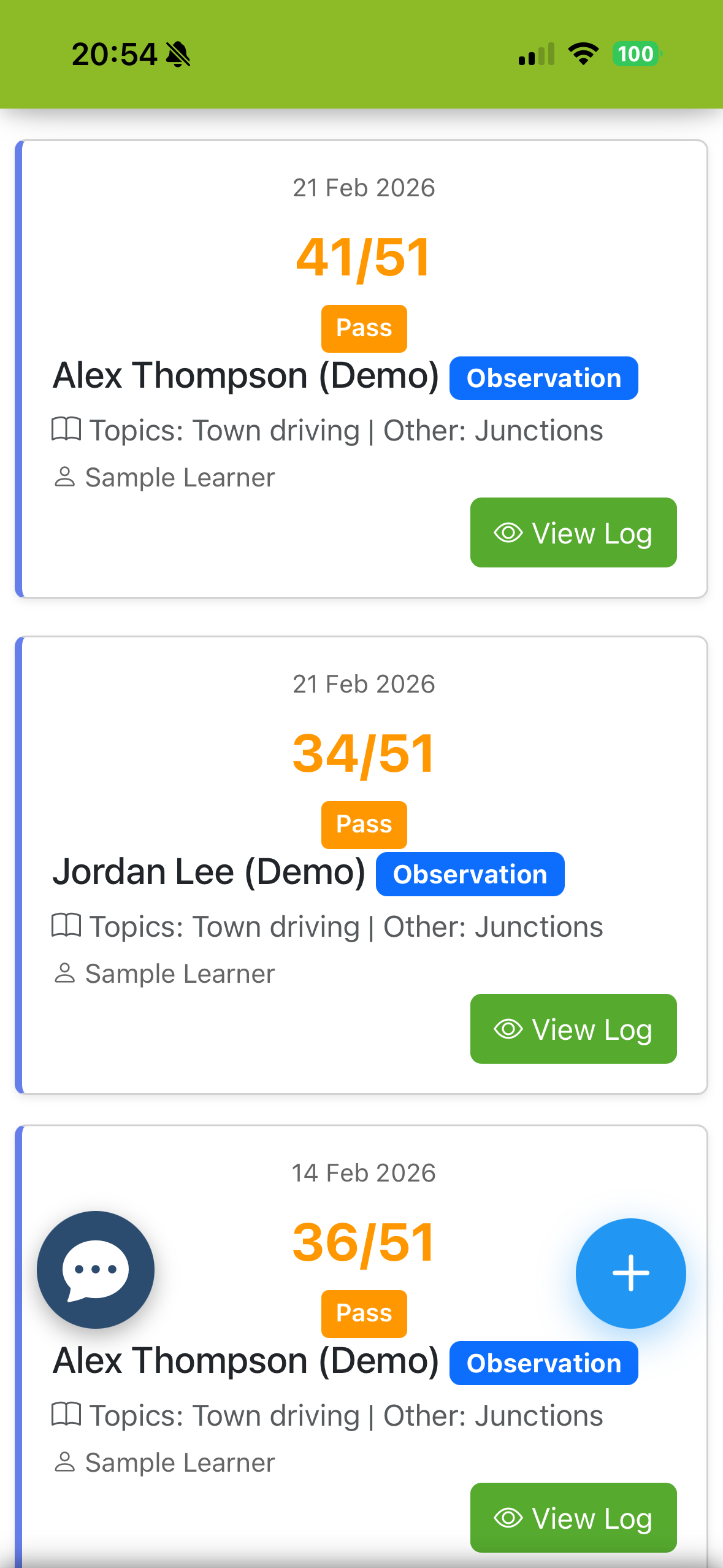
Detailed feedback from your trainer
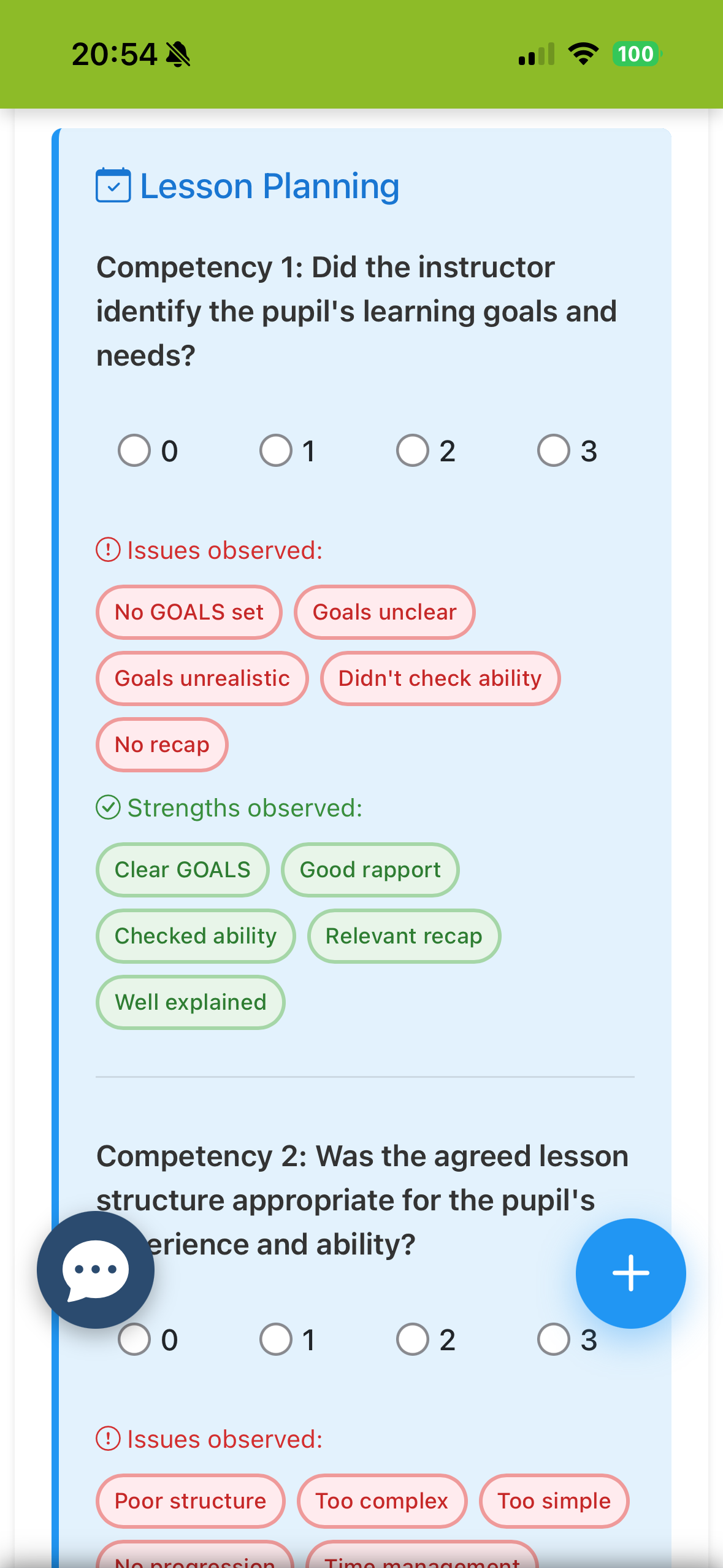
Every trainer observation breaks down all 17 DVSA competencies with notes, identified faults, and good practice highlights — so you know exactly what went well and what to work on.
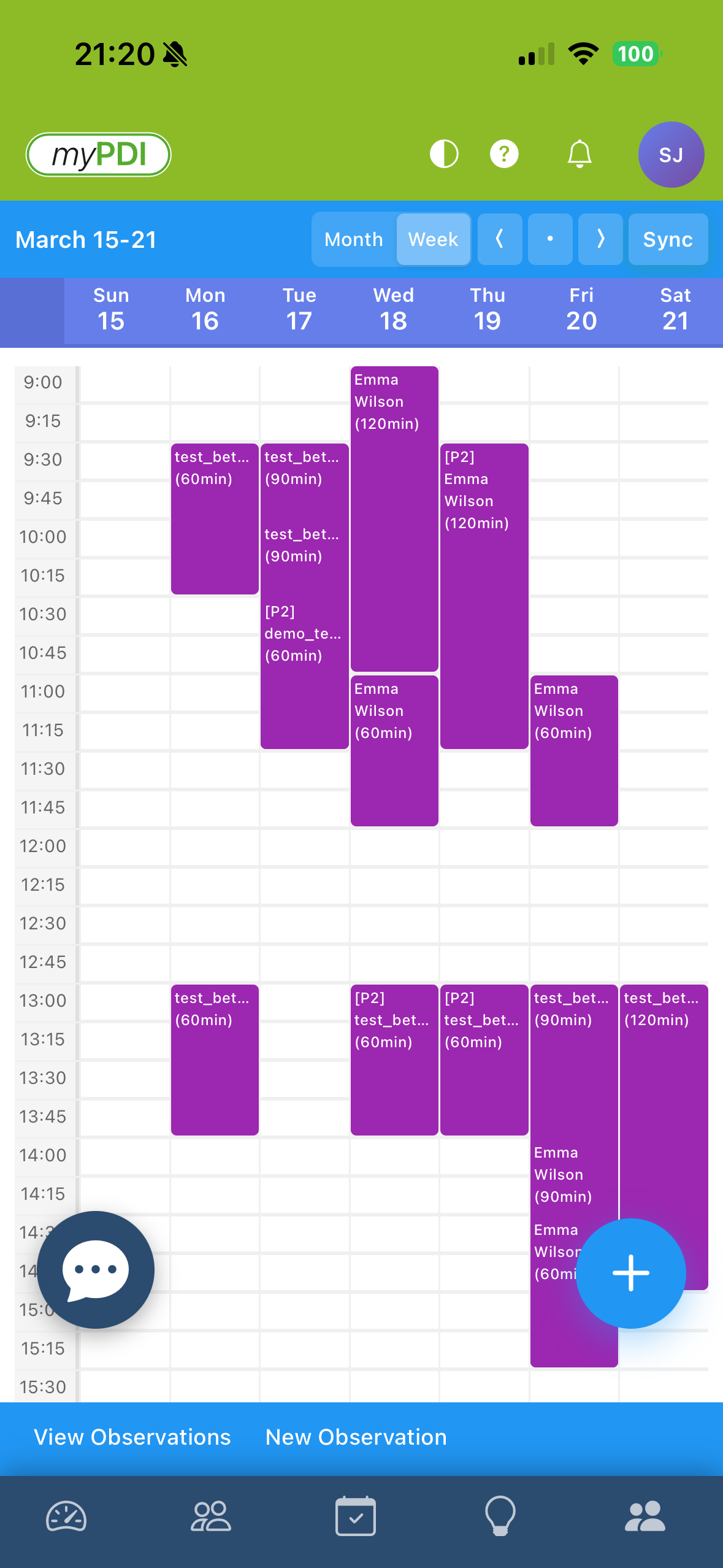
Plan your lessons. Track your time.
Book lessons with your learner drivers, categorise by Part 2 or Part 3 sessions, and link plans to reflective logs — keeping your development structured from week to week.
Trainers
For Trainers
Manage your PDIs efficiently and give every trainee structured, meaningful feedback.
Observe PDIs
Submit structured observation logs scoring all 17 DVSA competencies — with detailed notes, common fault tags, and instant feedback for your PDI.
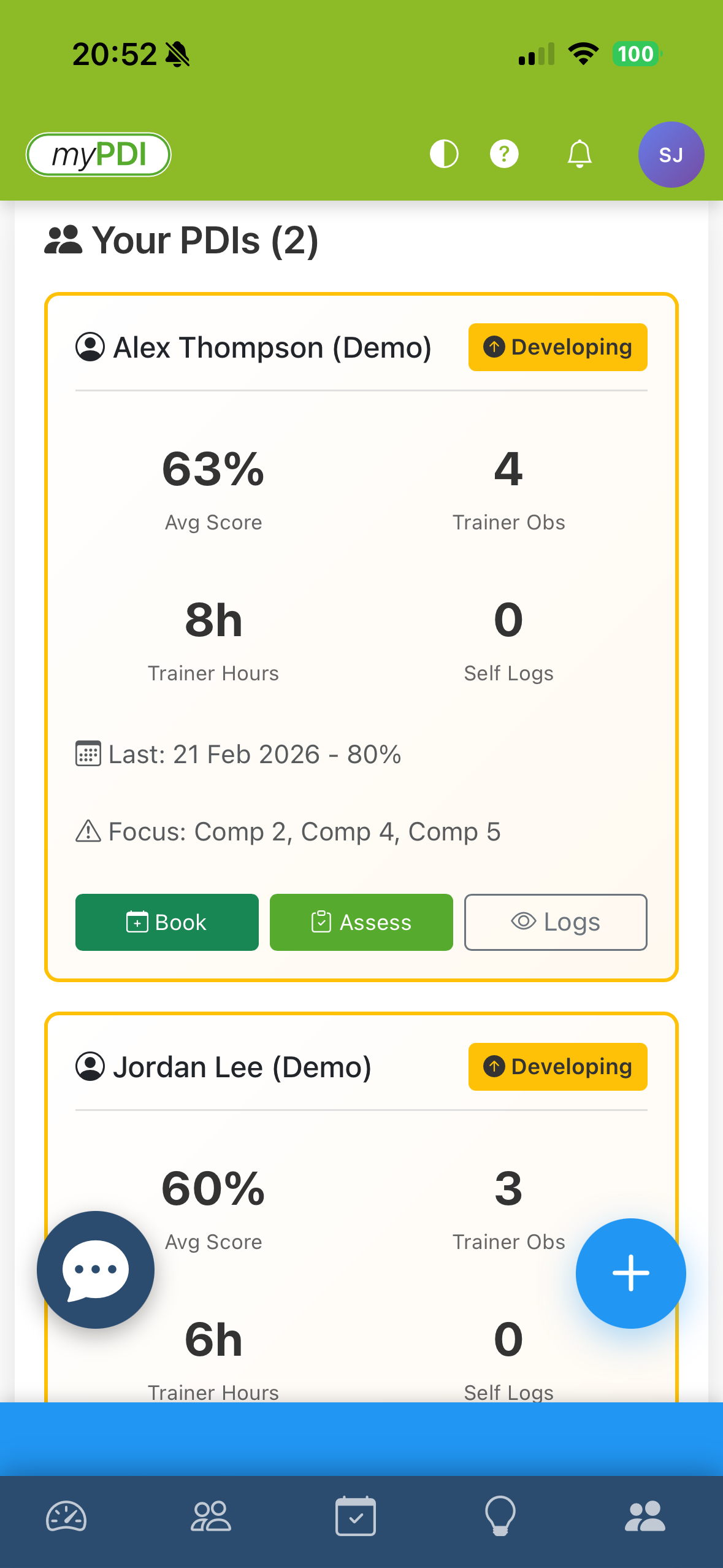
Monitor Progress
See all your connected PDIs at a glance with their latest scores, trend indicators, and any flagged focus areas — making coaching more targeted and effective.
Detailed Feedback
Score all 17 competencies, select common fault descriptors, and add personalised written notes — giving PDIs the actionable feedback they need.
Instant Notifications
PDIs are notified immediately when you submit an observation — keeping them engaged and allowing them to review feedback while it's still fresh.
Trainer Tools
See it in action
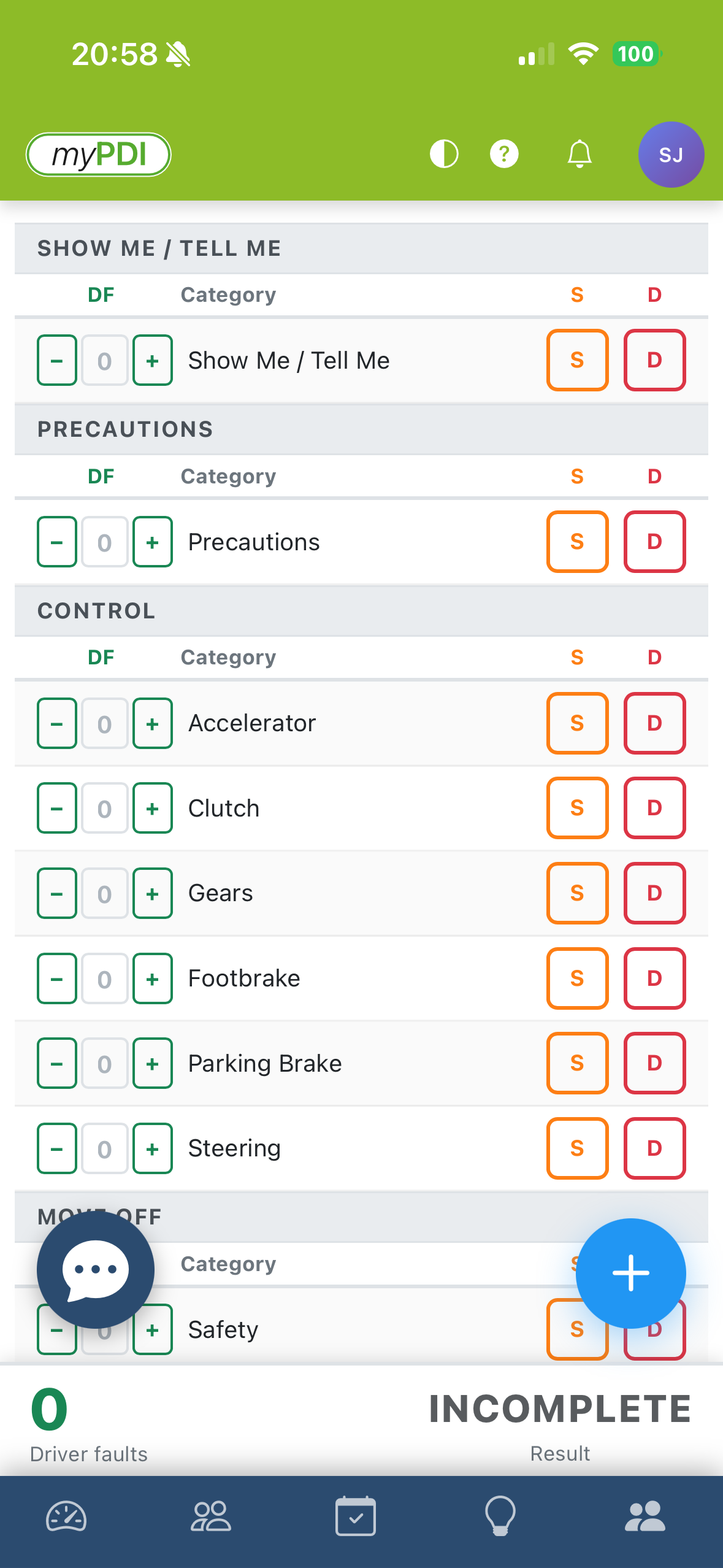
A closer look at what trainers can do inside myPDI.
How it works
Get started in minutes — no complex setup required.
Register with your invite code
Use your trainer-issued invite code to create your account as either a PDI or trainer.
Connect with your trainer
PDIs link to their trainer in-app. Trainers add their PDIs to begin submitting observations.
Start tracking your progress
Observations, logs, lesson plans and progress charts all start building your picture immediately.